Create and Link puts a button of your design on the work items you choose. One click opens a create dialog that inherits from the current work item, prefills from a template, hides what nobody needs, and links the result back automatically.
Jira Cloud and Jira Service Management · Runs on Atlassian · 30-day evaluation
Environment, Fix versions hidden for this button
Click, fill, create, linked. Repeats.
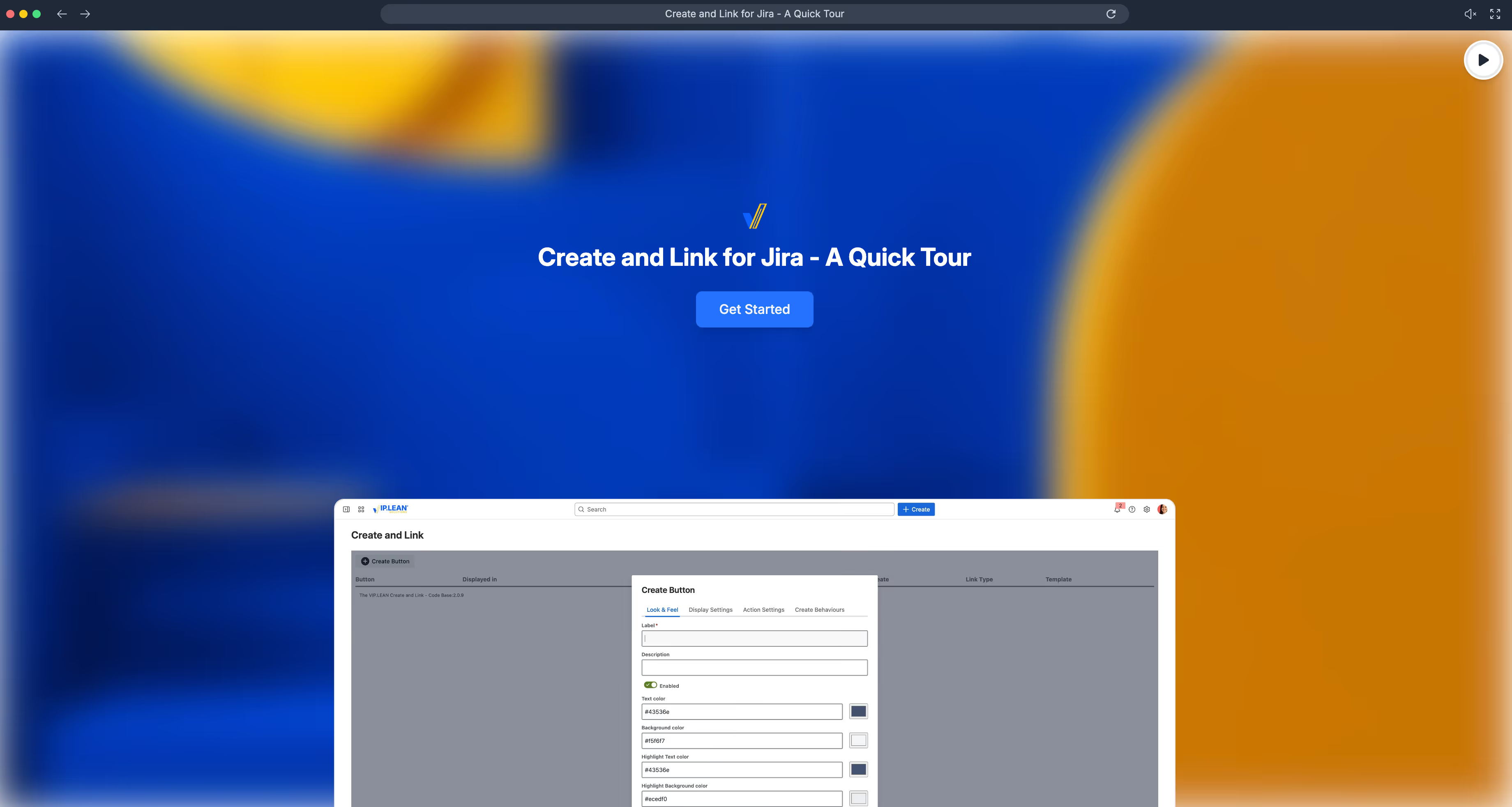
Each button is one configuration, owned by a Jira admin. Scroll to build one.
Name it, pick text and background colours, round or square, an icon. It sits in its own panel on the work item and in the Buttons glance, and looks like it belongs to your Jira.
Spaces and work types first. Then a JQL filter and a permission or group, so the button appears only when it makes sense and only for people who may use it.
Target space, work type and Link Type. Optionally an existing work item as template, and exactly which of its fields to carry over.
Per field: inherit from the source work item, prefill a constant, take the template's value, or hide it. Built on Atlassian's UI Modifications, so it is the real create dialog, not a copy.
The new work item is created with the Link Type you chose, pointing back at the one it came from. Reports, boards and automation see a native link.
Three minutes in the real app: design a button, set where it shows and what it creates, then press it on a work item and watch the linked one appear. No install needed.
Bug from a test case, story from a feature, change from an incident, sub-order from a purchase request. Every one of them is one button.
Field by field, the new work item takes over what the source already knows: summary, component, customer, key. Nobody retypes, nothing drifts.
Point the button at an existing work item and pick which of its fields carry over. Change the template, every button using it follows.
Spaces and work types set the stage. JQL narrows it to the right status or values, a permission or group decides who sees it at all.
status = "In progress" AND category = SoftwareLabel, colours, shape and icon per button. Several buttons per work type, each with its own target, so the panel reads like a menu of next steps.
Built on Atlassian's UI Modifications: fields are prefilled, locked or hidden inside Jira's own create dialog. Users keep validation, attachments and everything else they know.
Three ways to get a "create linked work item" action into Jira Cloud today, next to Jira's own automation, and what each one is built for.
| VIP.LEAN Create and Link | STAGIL Issue Templates & Schedulercatworkx | Issue Templates for JiraDeviniti | Jira AutomationAtlassian, built-in | |
|---|---|---|---|---|
| Where the action lives | Styled button in its own panel and in the Buttons glance on the work item | Create and Link button on the work item view | "Create from template" in the Apps menu and direct links | Entry in the Actions menu, via a manual-trigger rule |
| When it shows | Space, work type, JQL and permission | Space and work typePer the Cloud docs; no JQL or permission conditions documented | Template availability by users and groupsAdvanced edition | Rule scope, groups that may run it, visibility filters |
| Inherit from the current work item | Per field, plus the source key | "Copy from original" per field | Template values and variablesInheriting from an open work item is not in the public docs | Copy fields from the trigger work item |
| Template | Any existing work item, fields selectable | Global and personal templates | Templates repository, whole structures | Values written into the rule |
| The create dialog | Jira's own dialog, fields prefilled, locked or hidden | App form: manual, copy from original or default per field | App form, prefilled from the template | Optional input form before the rule runsThe work item itself is created by the rule, not in Jira's create dialog |
| Link back to the source | Link Type per button | Yes | Within structures | Yes |
| Beyond one button | Pair with Behaviours Builder for deeper field logic | Scheduled creation, workflow post functions | Structures, post functions, usage reports | Everything else automation does, within rule limits |
| Marketplace trust signals | Runs on AtlassianData stays in your instance | Cloud Security ParticipantNot listed as Runs on Atlassian | Runs on Atlassian · Cloud Fortified | Native |
| Best when | People should see the right next step on the work item and get a dialog that is already mostly done | You also need recurring, scheduled creation | You build whole structures from a template repository | A rule can decide everything and nobody needs a dialog |
Compiled from the vendors' public documentation and Marketplace listings as of September 2026. Products change; if we got something wrong about yours, tell us and we'll fix it. STAGIL and Issue Templates for Jira are products of their respective owners.
In Data Center, a "create linked issue" button took a UI Fragment for the constrained create dialog plus a Groovy Behaviour to fill the link, because the fragment alone does not link. Neither comes to Jira Cloud.
Bring the fragment list to a working session; we map them with you. Plan the button migration
jiraHelper.project?.key == "PROC" && issue.status.name == "In progress"if (getBehaviourContextId() == "report-bug") {getFieldById("issuelinks").setFormValue(...)getFieldByName("Component").setReadOnly(true)Install from the Marketplace, then book a free working session: we set up your first button, its target and dialog rules with you. Solution Partners get stackable discounts of up to 30%.
Questions first? Read the docs or open a support ticket.






