








How to Create and Manage a Condition?
Learn how to create and manage behaviours in VIP.LEAN Behaviours Builder. Step-by-step guide to setting up, editing, searching, and deleting behaviours in your Jira instance.
1. Create your First Condition
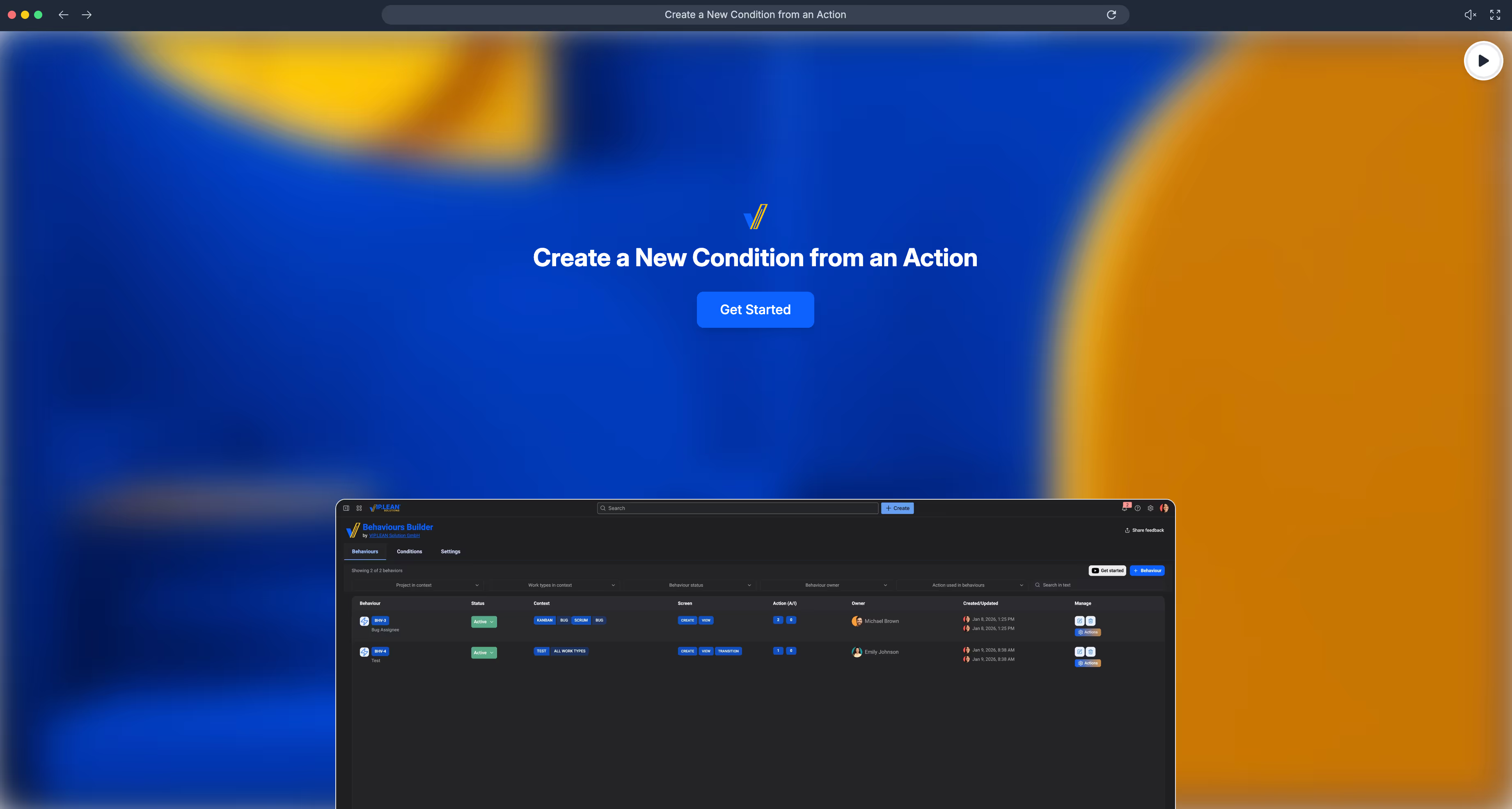
The following How-To video provides a detailed explanation on how to create a new condition starting from a create or edit action screen:
1. Edit an Existing Condition
To edit an existing condition, simple use the context menu and click on the pen - all fields are similar to the create screen:

3. Delete a Condition
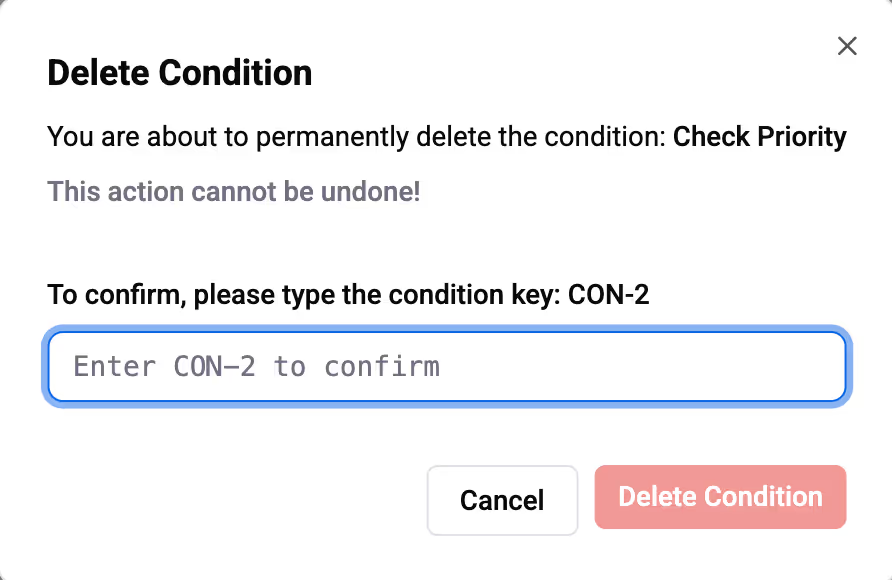
Select the condition you wish to delete and click
You must confirm this message to complete the deletion process.
4. List of Supported Actions
For a comprehensive list of all supported conditions, please refer to the List of Supported Conditions documentation.