





.svg)

How do End Users utilize the Buttons to create and link Issues effectively?
Learn how end users access Create and Link buttons in Jira, create linked issues, and use panels now
1. How Are the “Create and Link” Buttons Displayed for End Users?
As soon as:
- a button is configured for a specific source project and issue type,
- and the button is 'enabled',
- and the end user has the permission to access the source issue type view screen
then the 'Create and Link' button can be displayed in the View Screen, as follows (Example: + Bug):
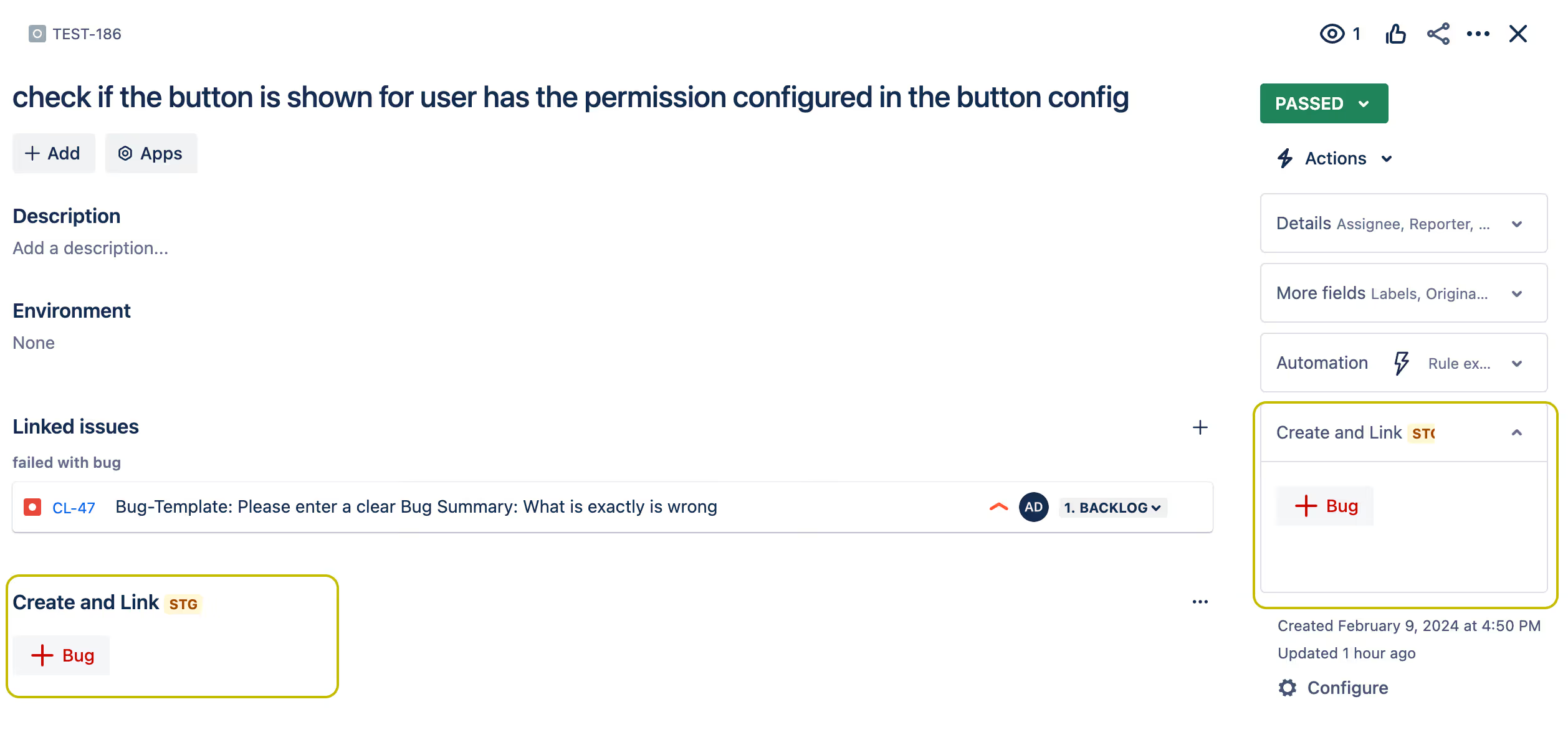
The button in the right app context area is always visible and cannot be removed by users. However, to display the button section in the bottom app panel area, the end user must first click on the following menu button, if necessary:
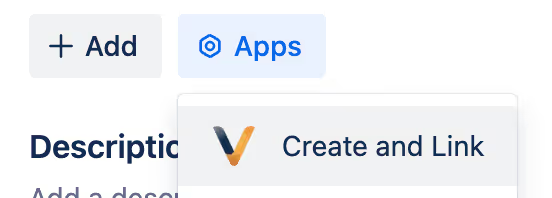
The end user can use the section menu to collapse or remove the section. This setting will be stored for future interactions and can be changed later:

2. Using the Buttons to Create and Link New Issues
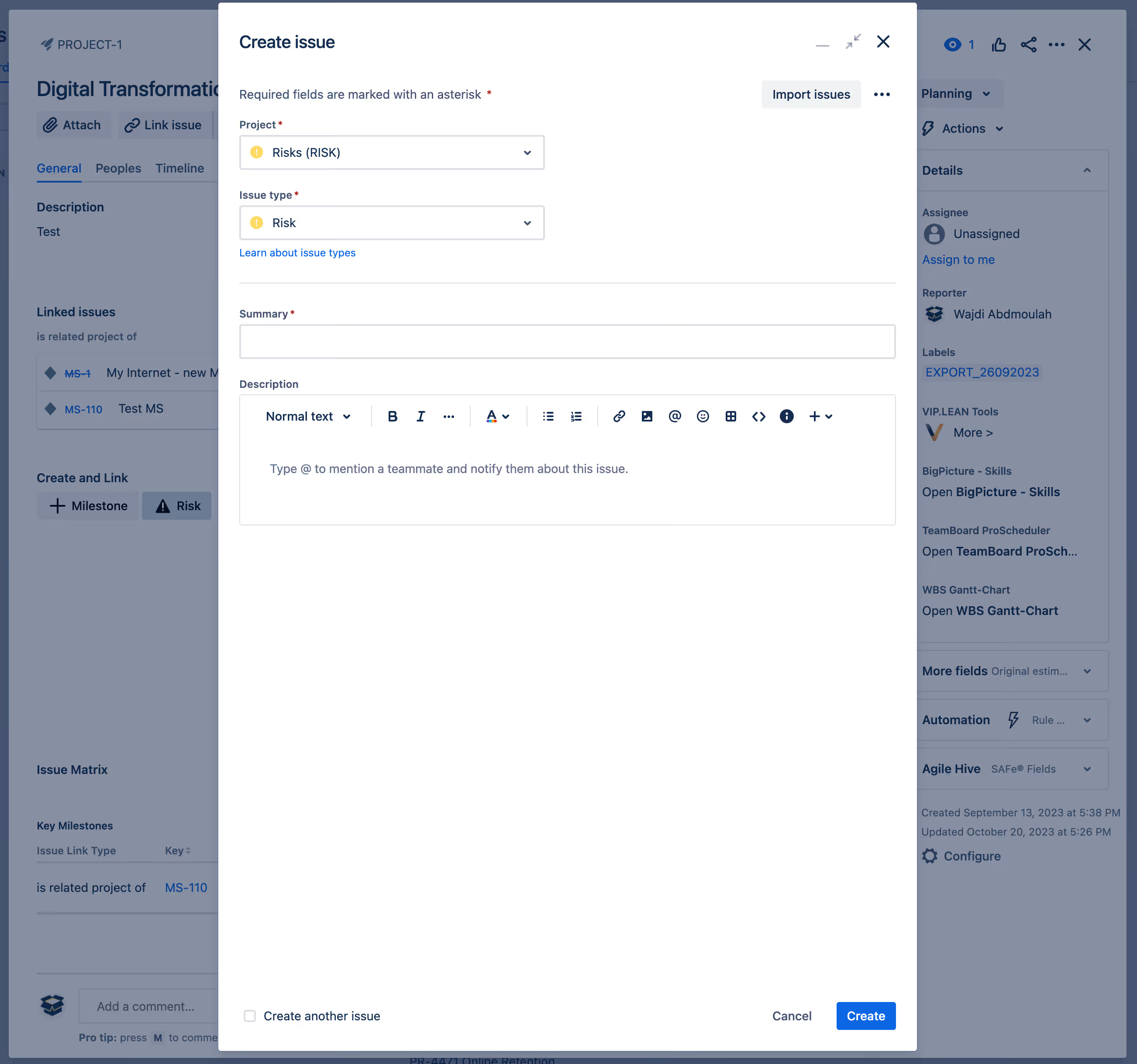
The end user can see one or several buttons in the View Screen, under the 'Create and Link' section. By clicking on a button, the user can create a specific issue and link it with a pre-configured link. This accelerates the workflow of end users, allowing them to immediately create issues in the context of the source issue: