






.svg)

How to install VIP.LEAN Create and Link?
One-click issue creation in Jira. Customizable buttons, auto-linking, fully configurable.
1. Supported Jira Versions
The Jira app VIP.LEAN Create and Link supports the Cloud Version / Forge Framework.
2. Installation Steps
Required Jira Role: Jira Software Administrator
- Log into your Jira instance.
- Click the Apps dropdown and choose Find new apps.
- Search for VIP.LEAN Create and Link and click on the app tile.
- Click Try it free to start installing your app.
- You're all set!
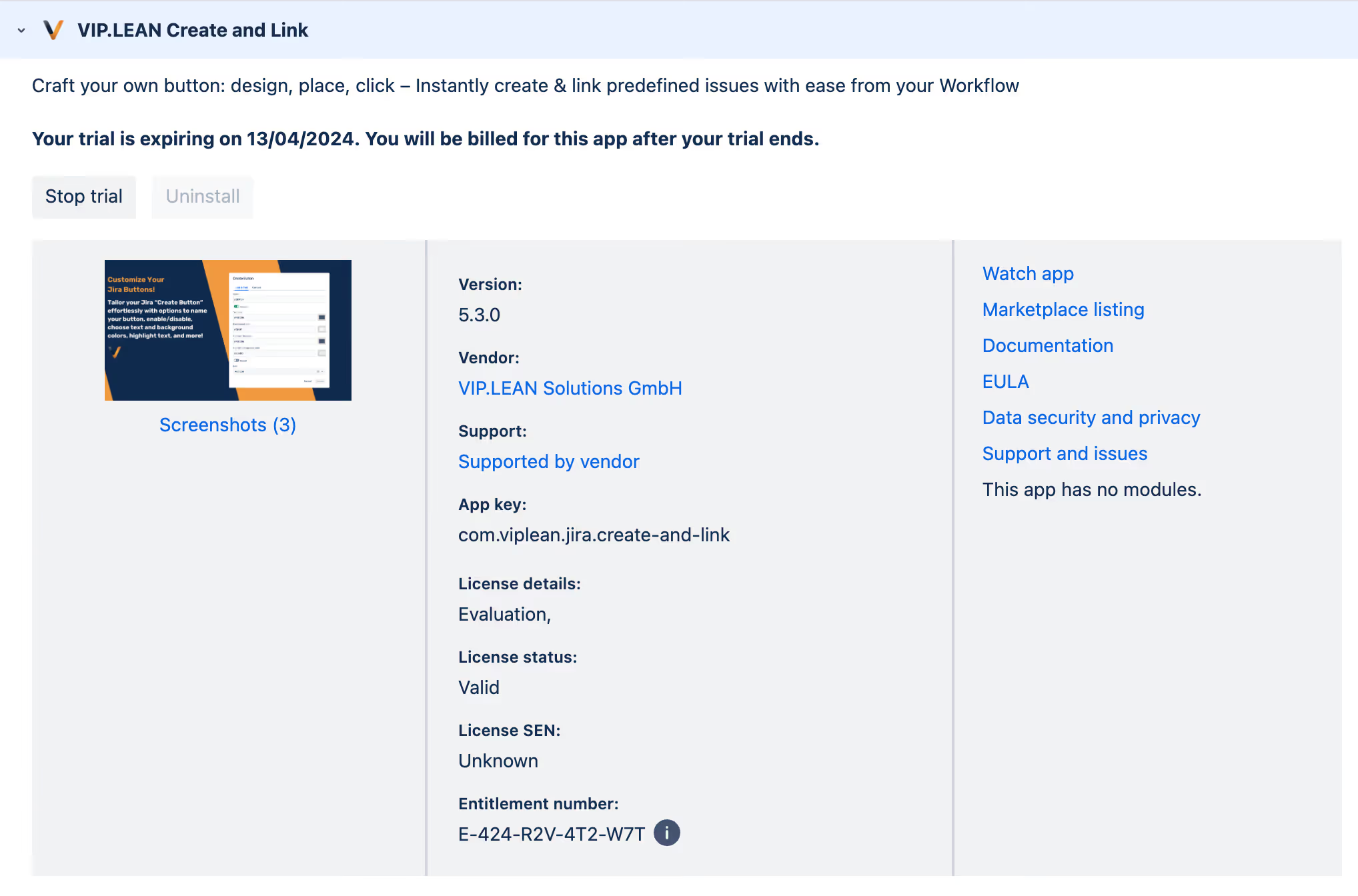
Manage app shows the installed app
3. Jira Theme Support
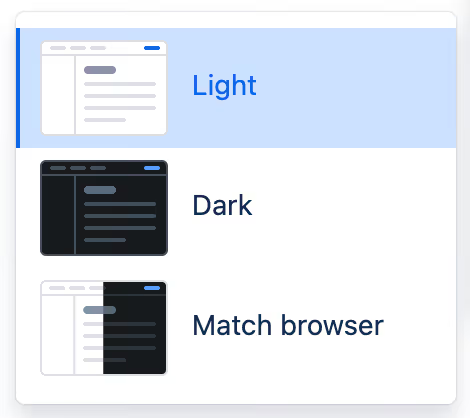
Light and Dark Jira Themes are supported starting from production version 5.4.
4. Limitations
See: Atlassian Forge Platform Limitations