





.svg)

How to install VIP.LEAN ETL for Reporting?
Export Jira data automatically in real time to target database tables using VIP.LEAN ETL Reporting..
Supported Jira Versions
- The Jira Versions 8.1.0 - Latest version (10.x) are supported by the Jira app VIP.LEAN ETL for Reporting
- The Jira Cloud is supported
Installation Steps
- Log into your Jira instance as an admin.
- Click on the admin drop-down menu and choose Manage apps
- Click Find new apps
- Locate VIP.LEAN ETL for Reporting
- Click Free trial to download and install your app.
- You’re all set!
- Close in the Installed and ready to go Dialog
- Go to Manage apps
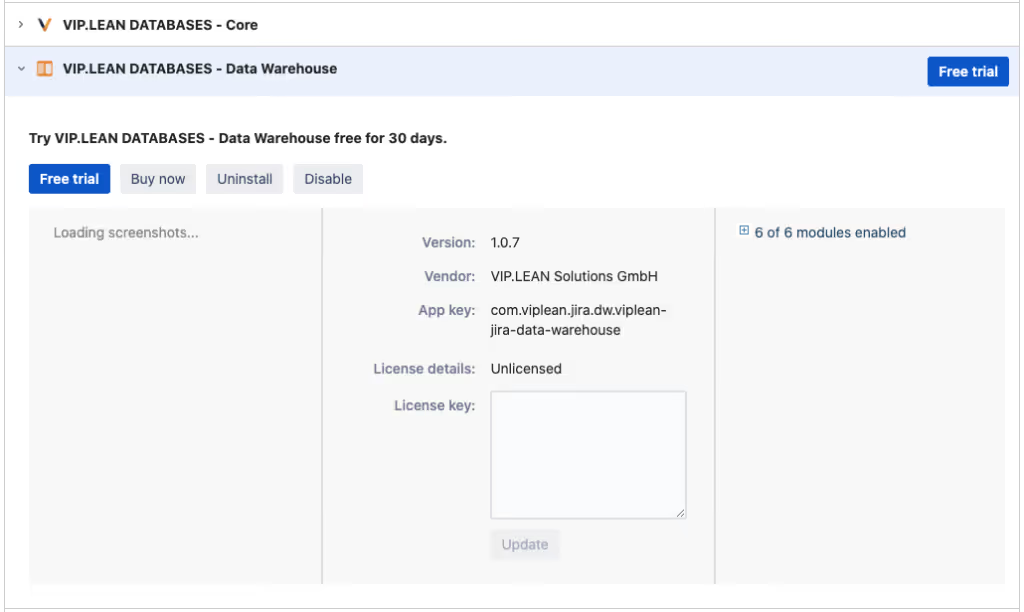
- Check the app is installed and enabled