.svg)

How to Create and Configure 𝕍𝕃 Issue Pickers
Complete guide to creating and configuring VIP.LEAN Issue Pickers. Learn both creation methods, all configuration parameters including JQL filters, multi-select, and screen assignments.
1. Create a New Issue Picker Using the App Configuration Panel (Recommended)
Required Jira Role: Jira Software Administrator
- Click on Settings > Apps
- Navigate to the Issue Picker App
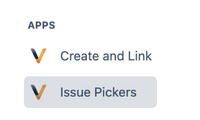
- Click on the button to create a new Issue Picker

- Then start configuring the Issue Picker – see Chapter 3
2. Create a New Issue Picker Using the Standard Function
Required Jira Role: Jira Software Administrator
- Click on Settings > Issues
- Navigate to Custom Fields
- Click the button “Create Custom Field”
- Select All > VIP.LEAN Issue Pickers
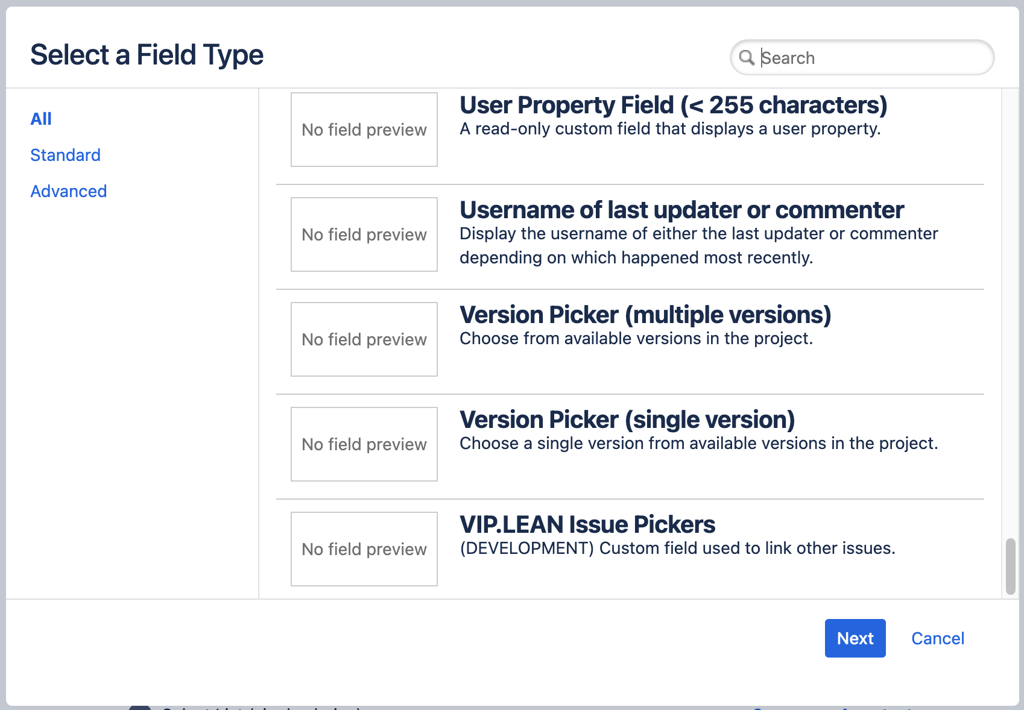
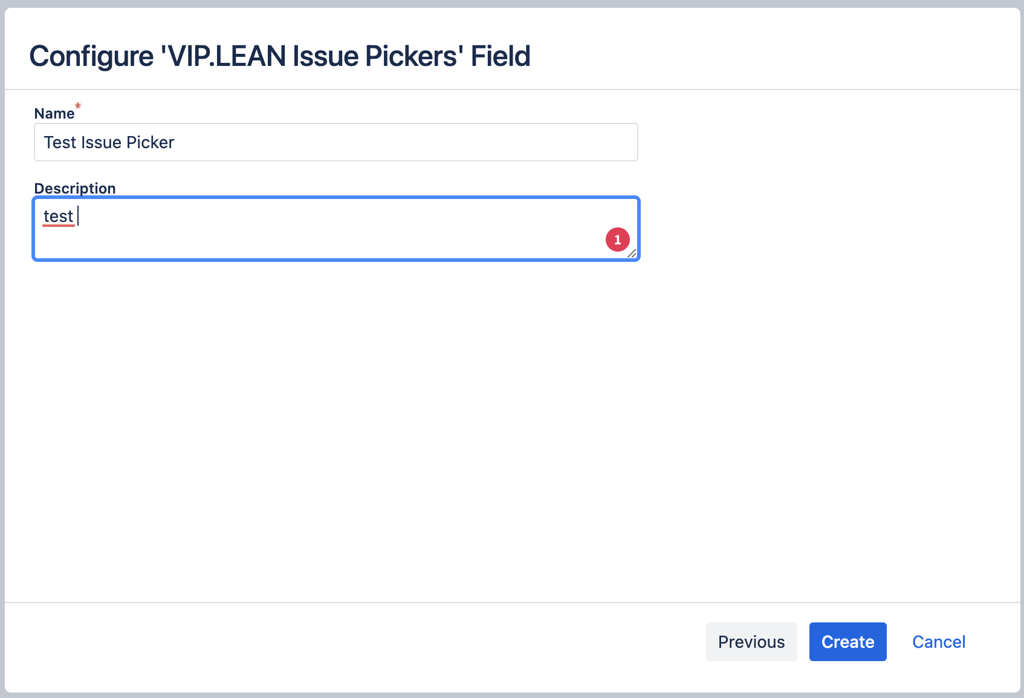
- Click on Next and enter the Custom Field name (and optionally the description), then click “Create”
- Navigate to the App Configuration Panel
- Click on the “Re-index” button and complete the configuration – see Chapter 3
3. How to Configure the Issue Picker
Required Jira Role: Jira Software Administrator
During the creation phase of the Issue Picker, the following parameters should be completed:
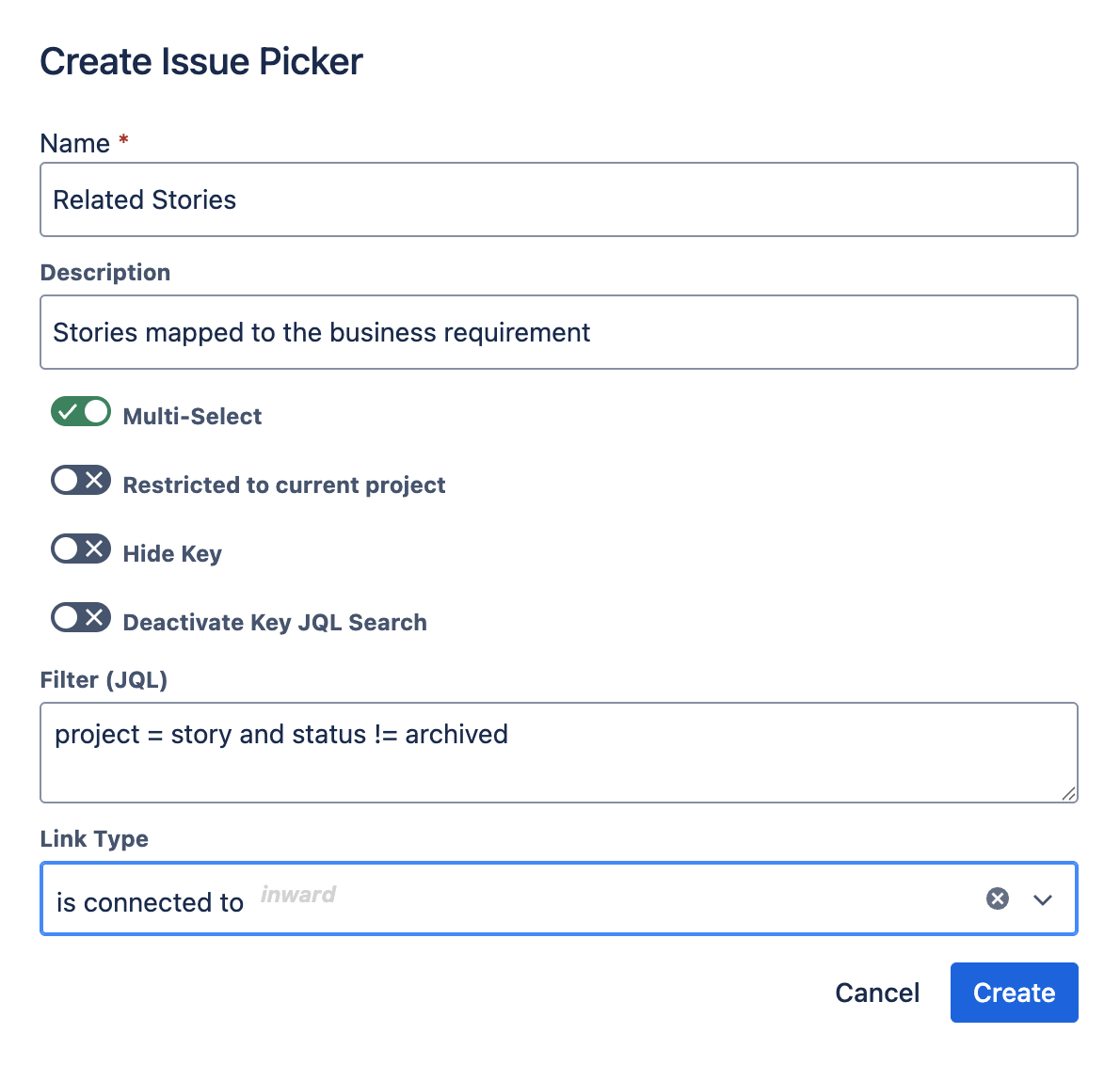
| Parameter | Syntax | Description |
|---|---|---|
| Name | Text (Mandatory) | Provide a name for your Issue Picker. Note: While you can't modify this when editing an existing Issue Picker, it can be adjusted via the Jira interface for custom fields. |
| Description | Text (Optional) | Input a description for your custom field. Not editable when tweaking an existing Issue Picker but can be modified in the Jira custom fields interface. |
| Multi-Select | Checkbox (Default: No) | Toggle the Issue Picker Field between multi-select and single-select modes. |
| Restricted to Current Project | Checkbox (Default: No) | When turned on, the JQL focuses solely on the project in which an Issue is being added or modified. This allows for a consistent Issue Picker field, even when dropdown options vary by project. |
| Hide Key | Checkbox (Default: No) | When turned on, work item keys will NOT be displayed in the selection list during create, inline edit, or transition screens. The view screen is NOT affected – keys are still shown there for linking. |
| Deactivate Key JQL Search | Checkbox | When turned on, work item keys will not be considered when end users search in an Issue Picker. Always enabled when 'Hide Key' is turned on. |
| Filter (JQL) | JQL Syntax (Optional) | Enter your JQL query to specify the issues displayed in the dropdown. The app verifies the JQL syntax before finalizing the setup. |
| Link Type | List of inward/outward links (Default: no link) | If enabled, a native Jira link of the chosen type will be established between the current and selected issue(s). The link is deleted when the selected issue is removed or substituted. |
4. How to Assign the Issue Picker to Screens
Required Jira Role: Jira Software Administrator
4.1 Company Managed Jira Software Projects
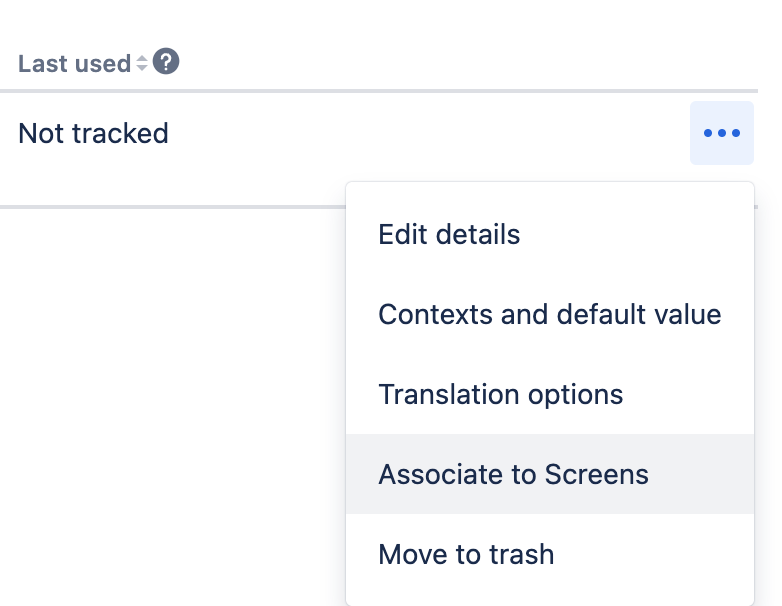
Once the Issue Picker is successfully created, it will appear as a custom field in your regular Jira list: <base-url>/secure/admin/ViewCustomFields.jspa
For assigning your Issue Picker to your existing screens (create, edit, and view), please utilize the standard Jira functionality.
4.2 Team Managed Jira Software and Work Management Projects
The simplified process for assigning custom fields to screens in team-managed projects can also be applied to our Issue Pickers:
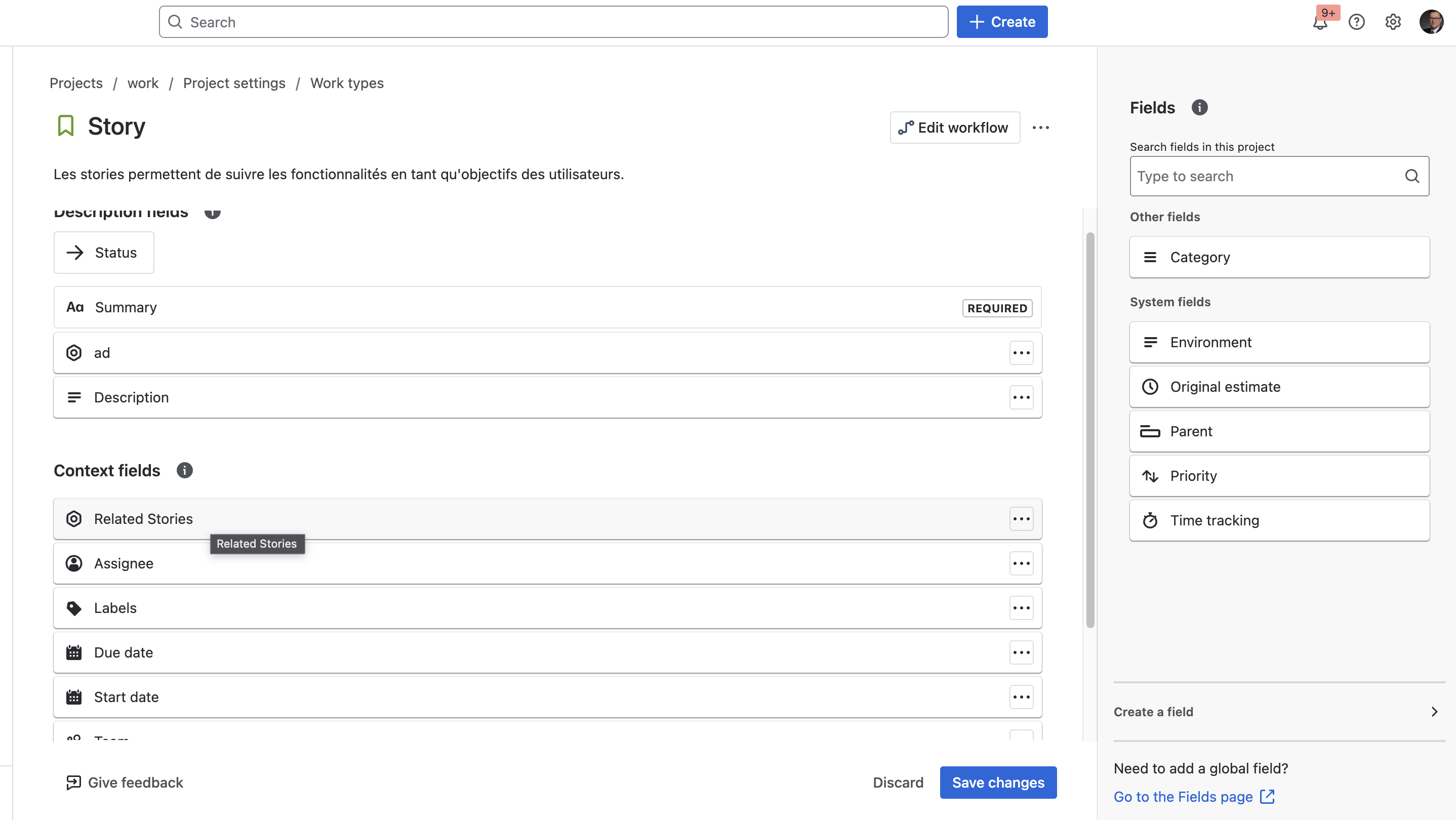
- First, add the Issue Picker as a field to your project
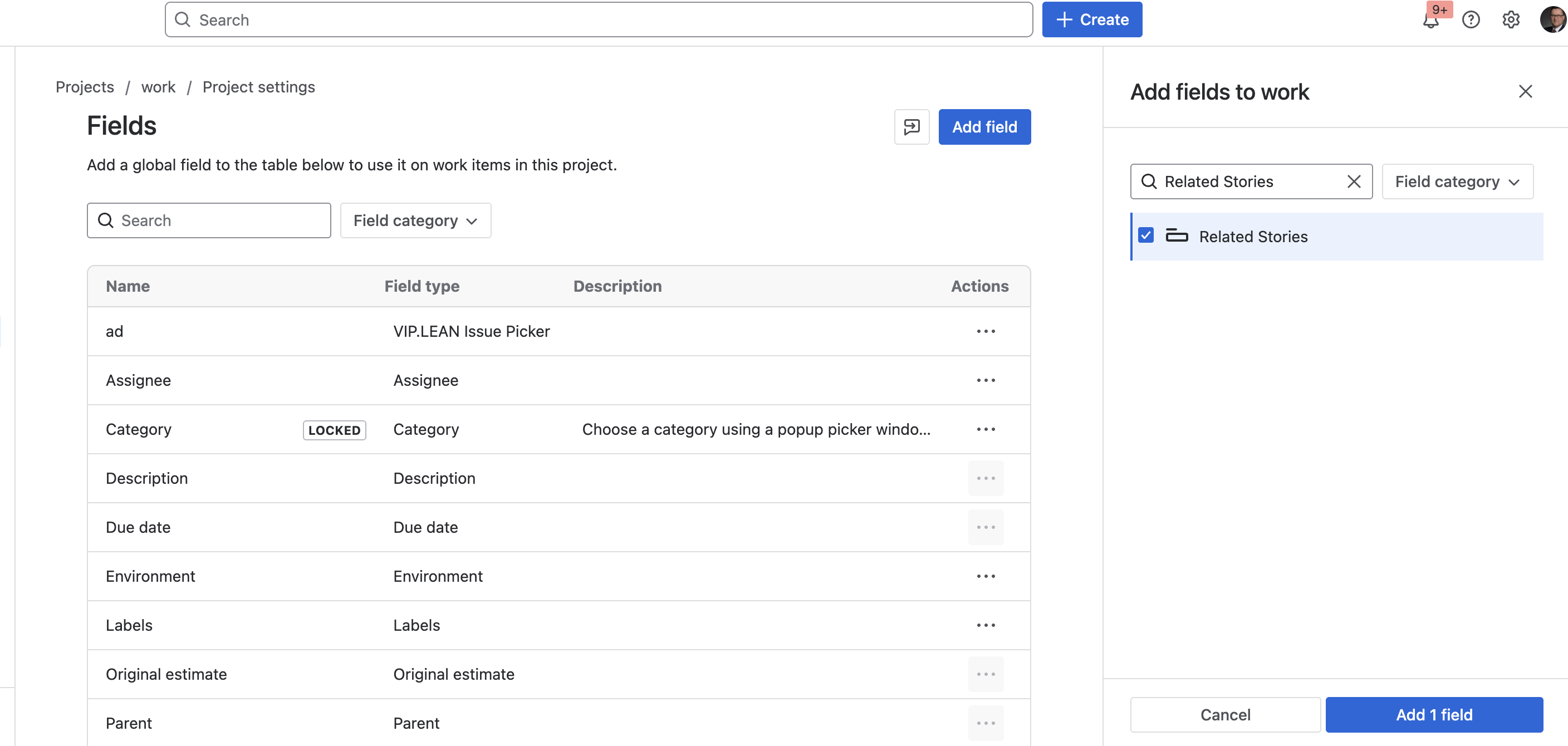
- Then assign the field to your work item screen