






.svg)

How to create a new “Issue Picker and Linker” Custom Field ?
Create an Issue Picker and Linker custom field in Jira using app settings or Add Custom Field.
1 How-To Video
2 Create a new Custom Field using “Pick and Link Issues” Configuration Panel
- Click as Admin “Manage apps”
- Go to the VIP.LEAN section

- Click on Pick and Link Issues
- You can use “Add Custom Field” to create one and configure it immediately:

3 Create a new Custom Field using “Add Custom Field”
- Click as Admin on Add Custom Field

- Search for Picker & Linker Custom Field
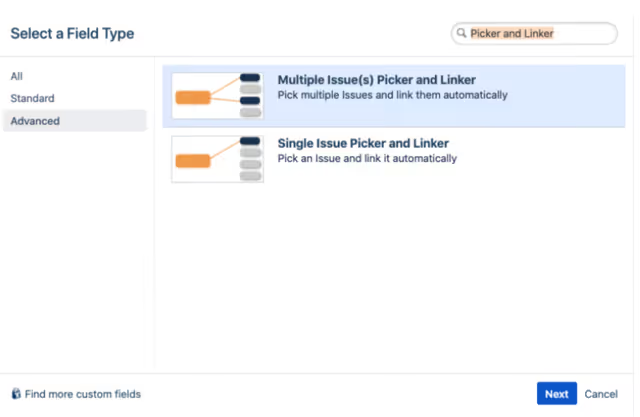
Select the Custom Field you need
- Multiple Issue(s) Picker and Linker: If you want to pick multiple Jira Issues and link them automatically
- Single Issue Picker and Linker: If you want to pick only one Jira Issue and link it automatically