.svg)

How to install VIP.LEAN Advanced Links?
Install VIP.LEAN Advanced Links for Jira Server and Data Center with versions and setup steps today.
1 Supported Jira Versions
The Jira app VIP.LEAN Advanced Links supports the Jira Versions 8.x - 10.x of Jira Software Server and Data Center
2 Installation Steps
- Log into your Jira instance as an admin.
- Click the admin dropdown and choose Manage apps
- Click Find new apps
- Locate VIP.LEAN Advanced Links
- Click Free trial to download and install your app.
- You’re all set !
- Close in the Installed and ready to go Dialog
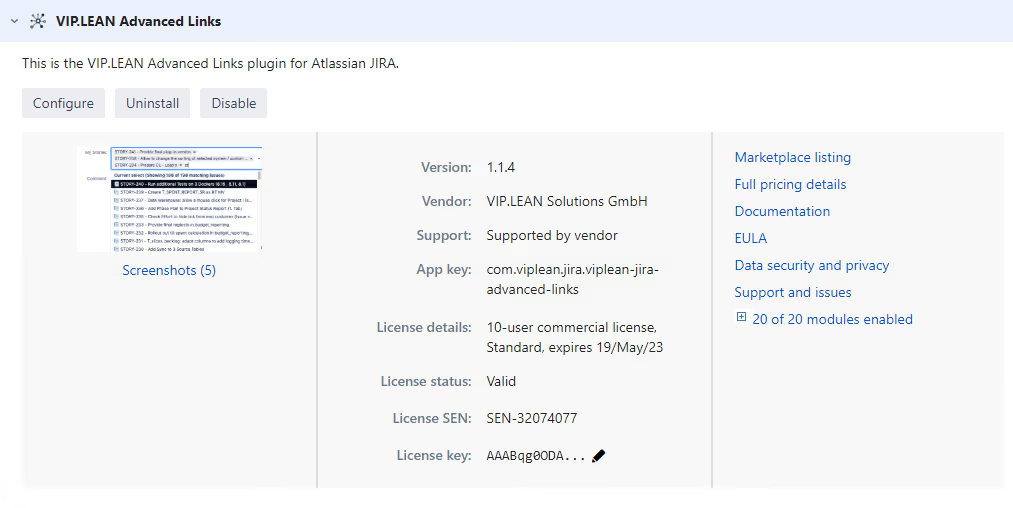
- Go to Manage apps
- Check the app is installed and enabled